
Your First Test Call
Your First Test Call
RPC Testing
You can test any Carbium RPC endpoint and method directly from your dashboard. How to Run a Test Call
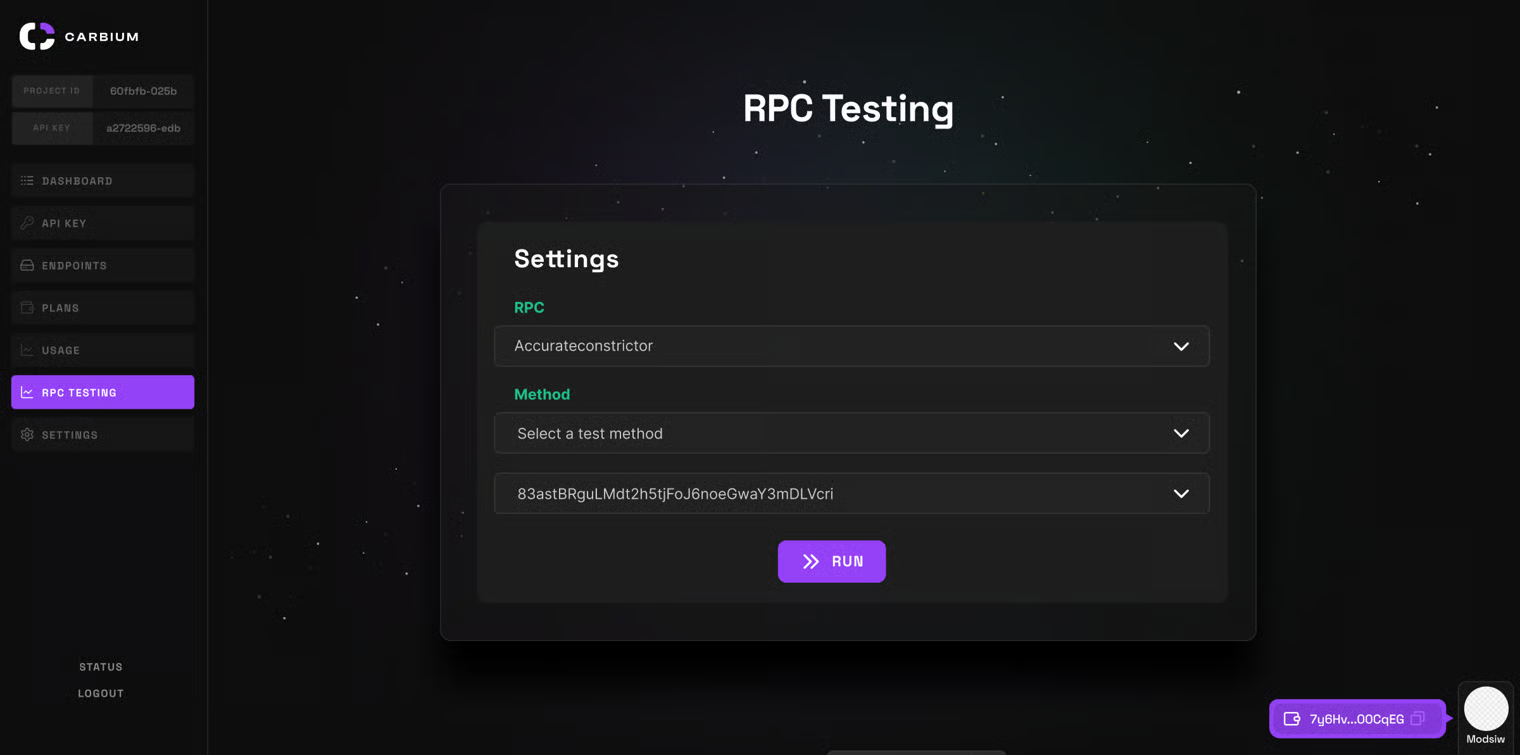
- Select Your RPC Endpoint Use the dropdown menu to choose the Carbium RPC endpoint you want to test.
- Choose a Method
Select any Solana JSON-RPC method (for example:
getBalance,getHealth,getSlot, etc.). - Enter Required Parameters Provide the required input fields.
- Click “Run” Instantly view the live response, showing result, error, and credits used.'
Why Use RPC Testing?
- Instant feedback: Validate integration and endpoint health without writing code.
- Debug fast: Inspect real error messages and response data.
- Perfect for developers: Save time during setup, troubleshooting, and QA.
Before rolling updates into production scripts, test new endpoints and methods here. Catch errors early, before they consume credits or trigger downtime.
Updated 11 days ago
What’s Next